一、创建私有仓库#
这一步不详细记录
注意:创建仓库的时候选择添加gitIgnore文件,文件模板选择“UnrealEngine”
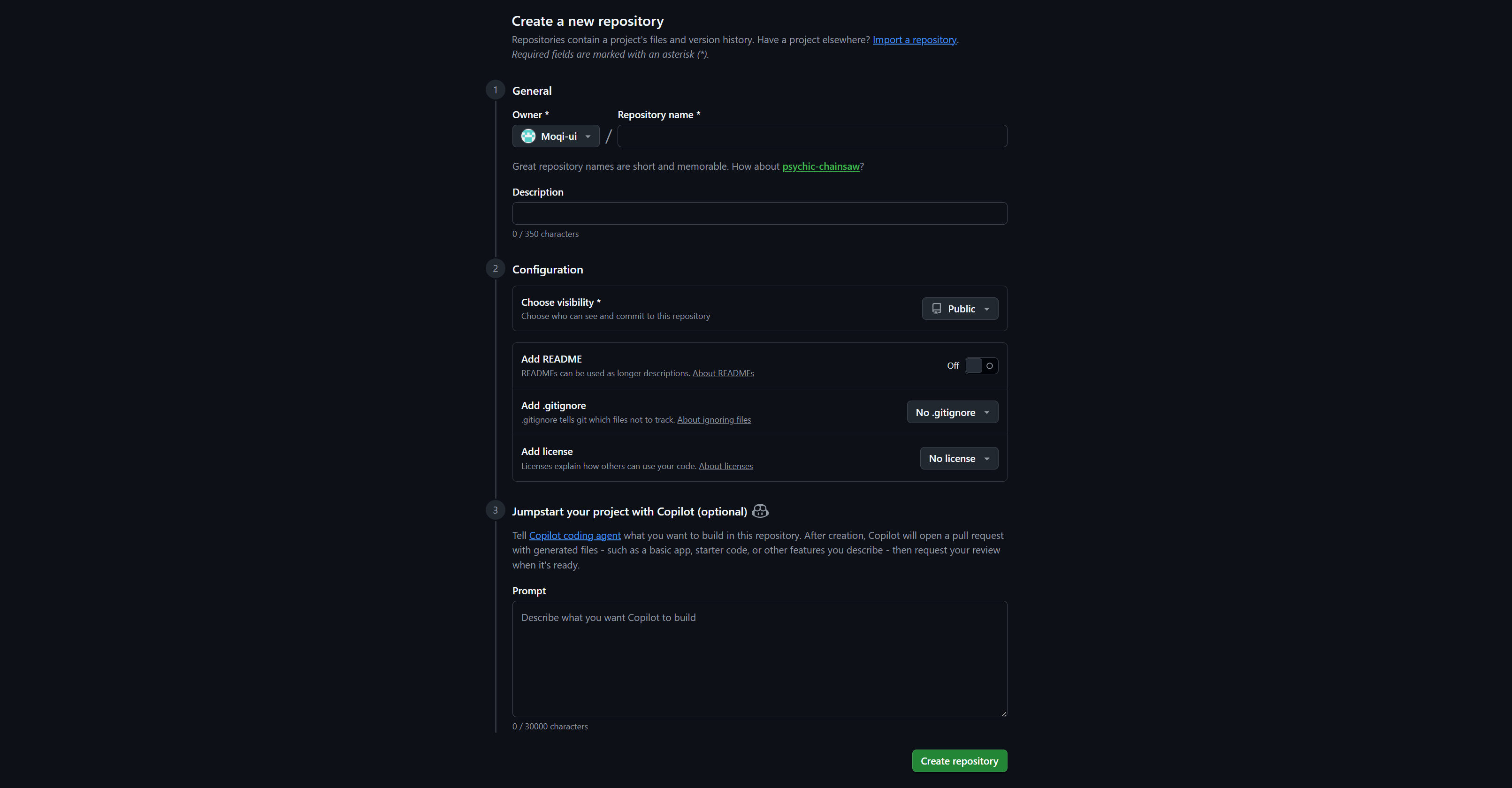
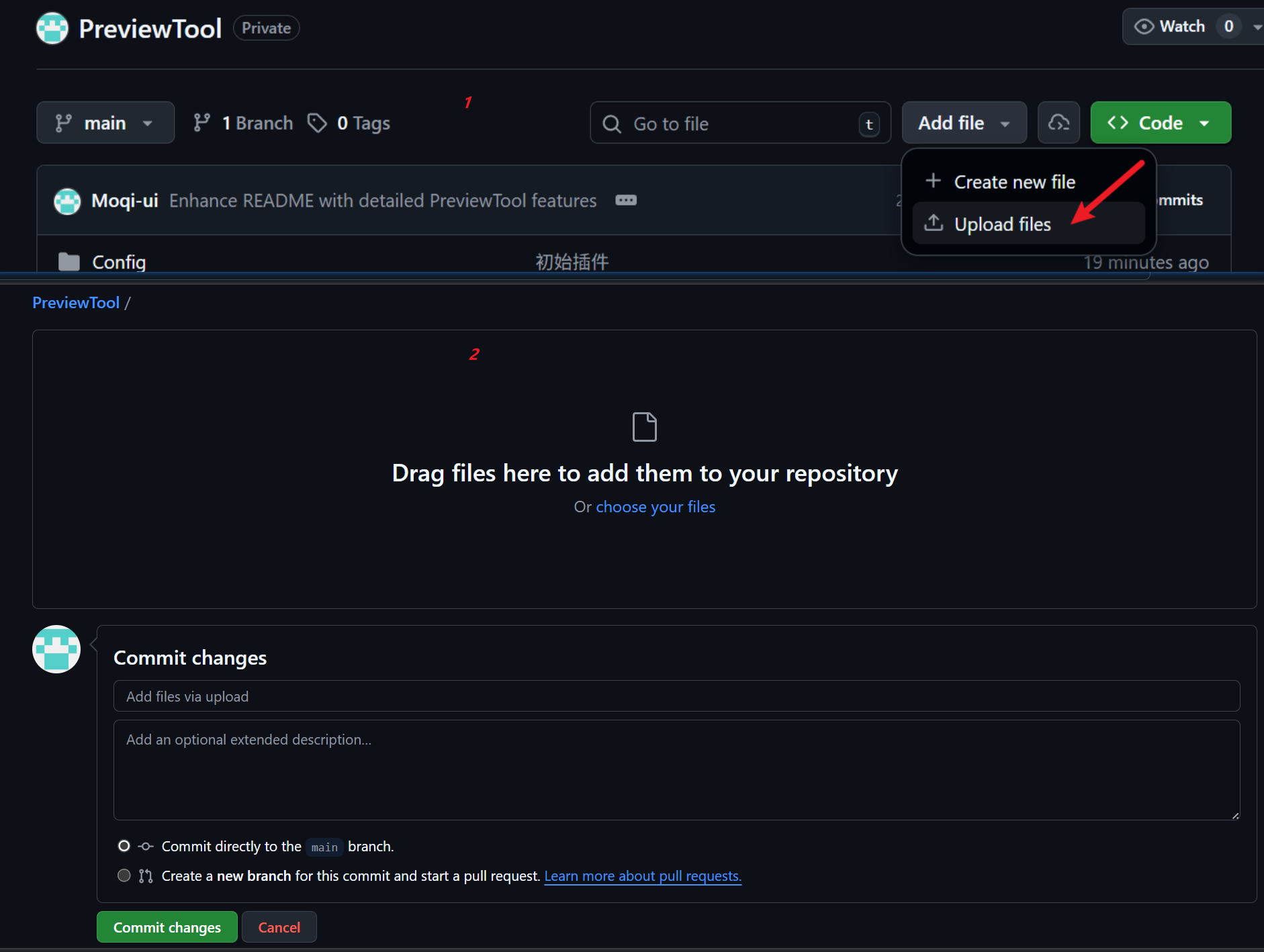
二、随便传几个文件#
三、创建SSH密钥(核心)#
使用SSH密钥克隆仓库,首要需要创建SSH密钥。
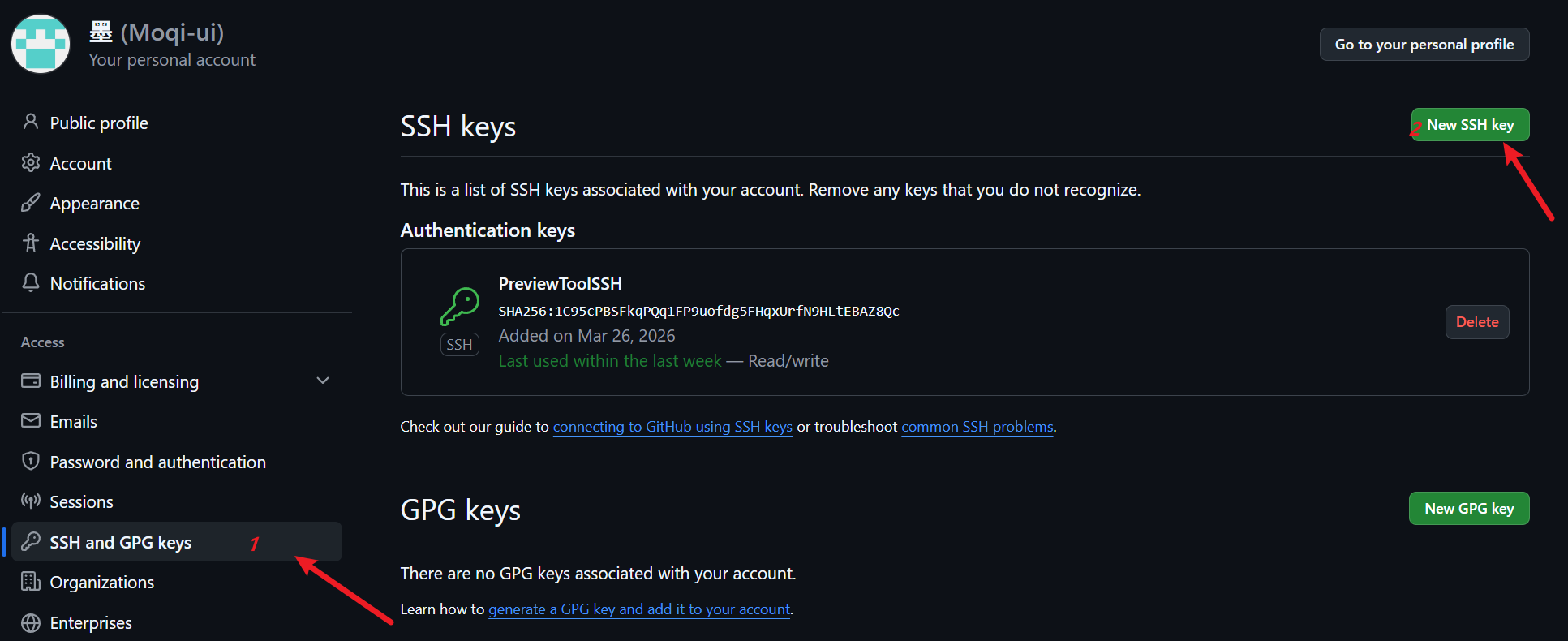
创建SSH密钥入口:点击头像选中“Settings”
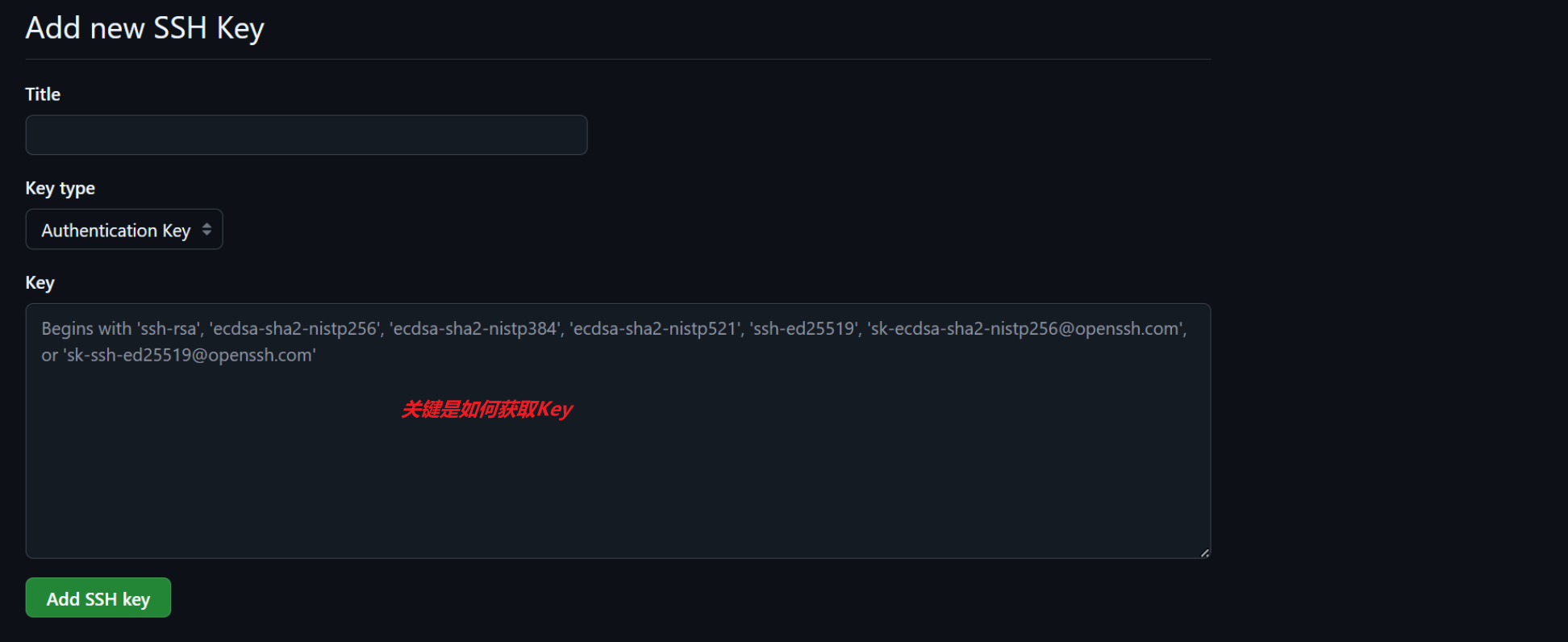
根据链接中的提示创建
链接:https://docs.github.com/zh/authentication/connecting-to-github-with-ssh/generating-a-new-ssh-key-and-adding-it-to-the-ssh-agent
安装Git for Windows(它自带 Git Bash)
管理员运行cmd,执行:
1
|
git-installer.exe /VERYSILENT /NORESTART
|
安装验证:
首先打开Git Bash(可以从SourceTree中启动)
先执行:
1
|
ssh-keygen -t ed25519 -C "your_email@example.com" //这里换成自己的邮箱
|
接着会出来:
1
|
Enter file in which to save the key (/c/Users/YOU/.ssh/id_ALGORITHM):[Press enter] //直接点回车就行
|
接着会让你输入两次密码:(19960525)
1
2
|
Enter passphrase (empty for no passphrase): [Type a passphrase]
Enter same passphrase again: [Type passphrase again]
|
最终命令行如下:
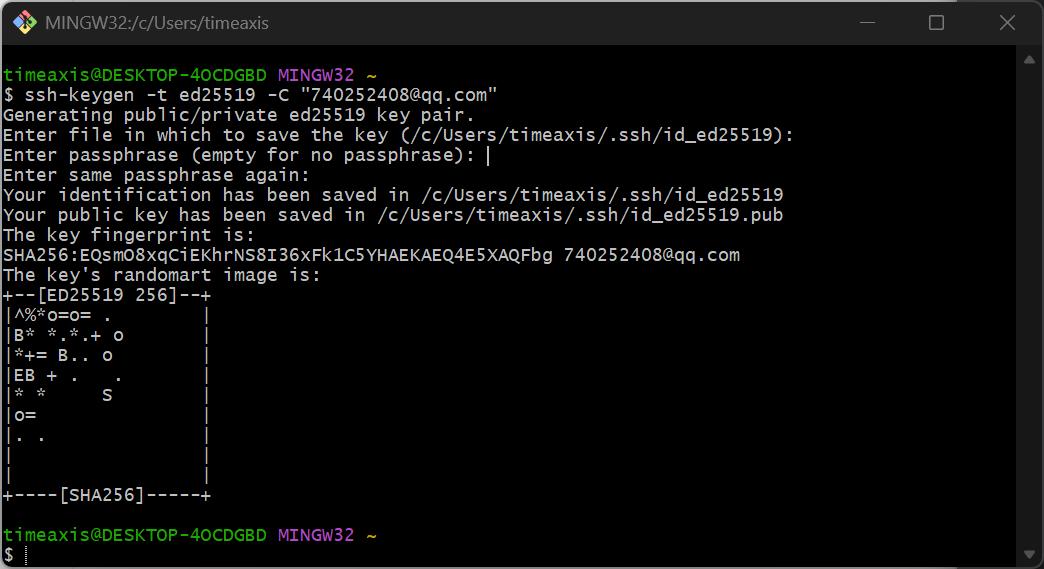
结果会生成两个文件:
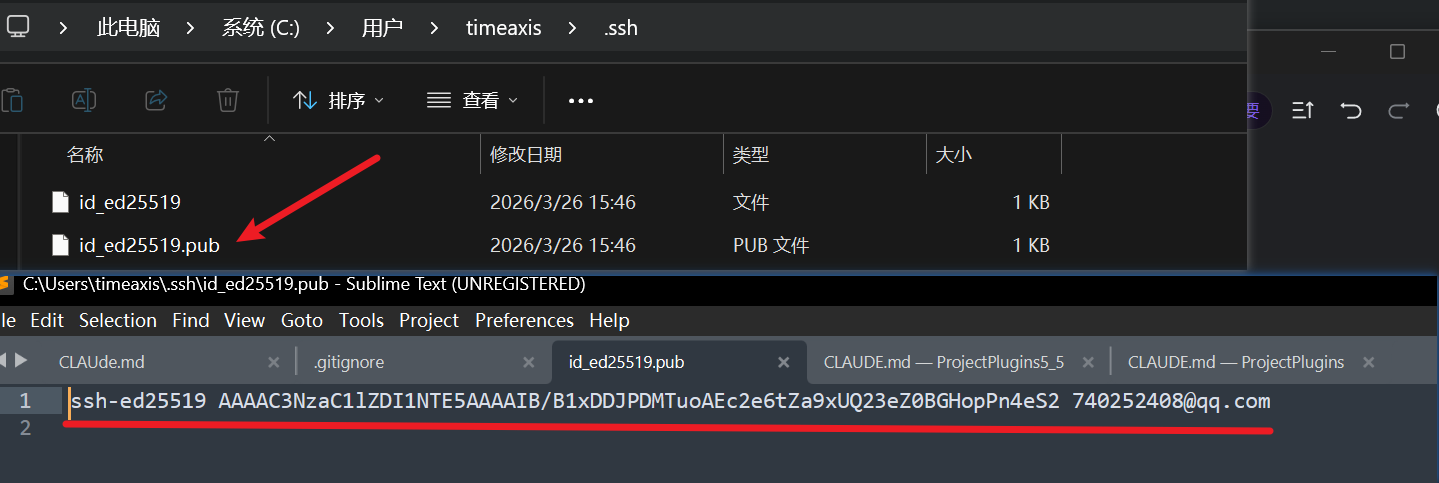
将这个key放到刚才在GitHub创建ssH文件的地方:
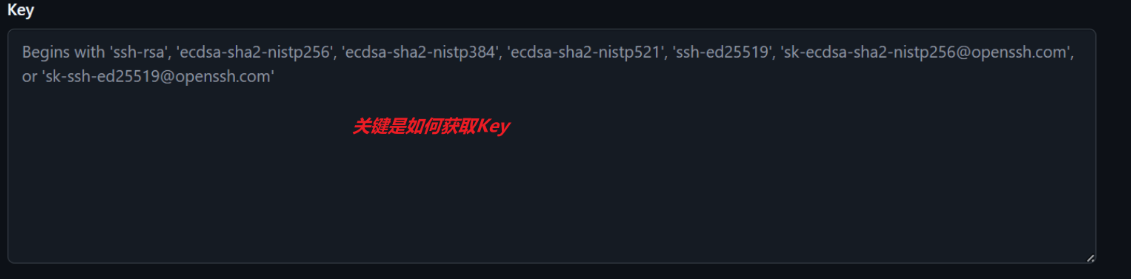
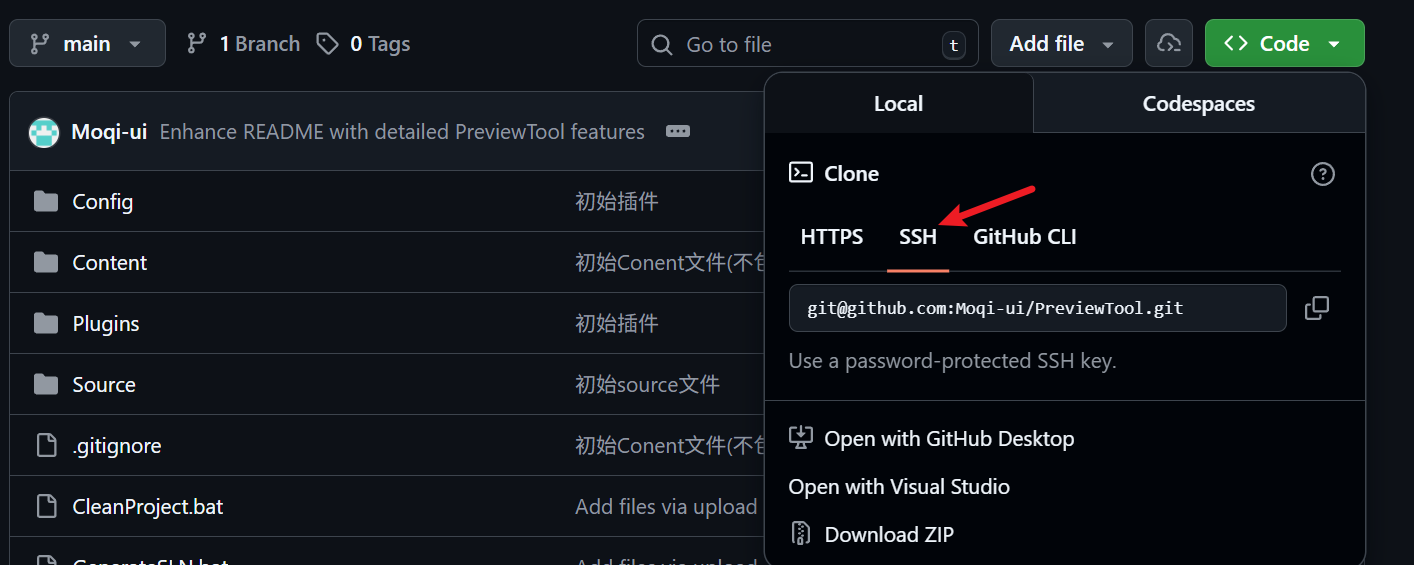
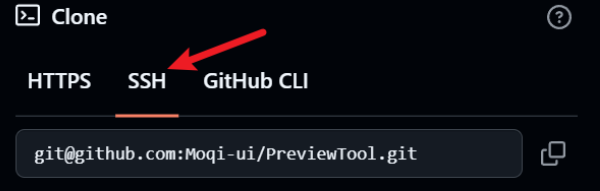
这样就可以复制ssh链接准备开始克隆了。
四、安装sourceTree(下载),安装过程中可能需要注册一下账号..#
这里打开终端:
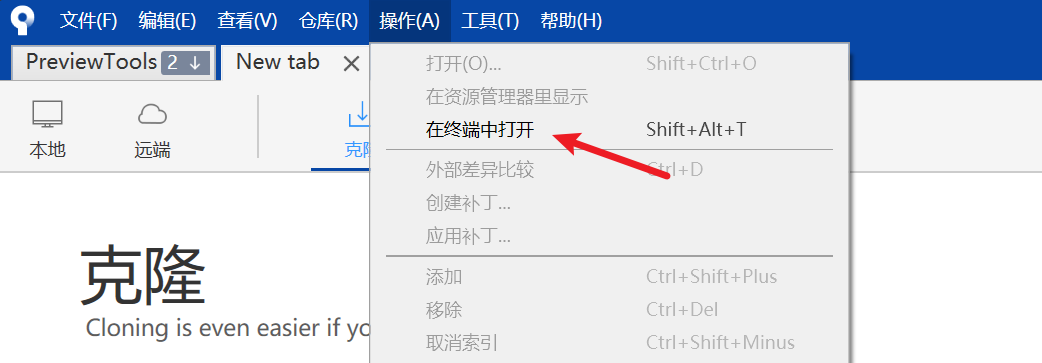
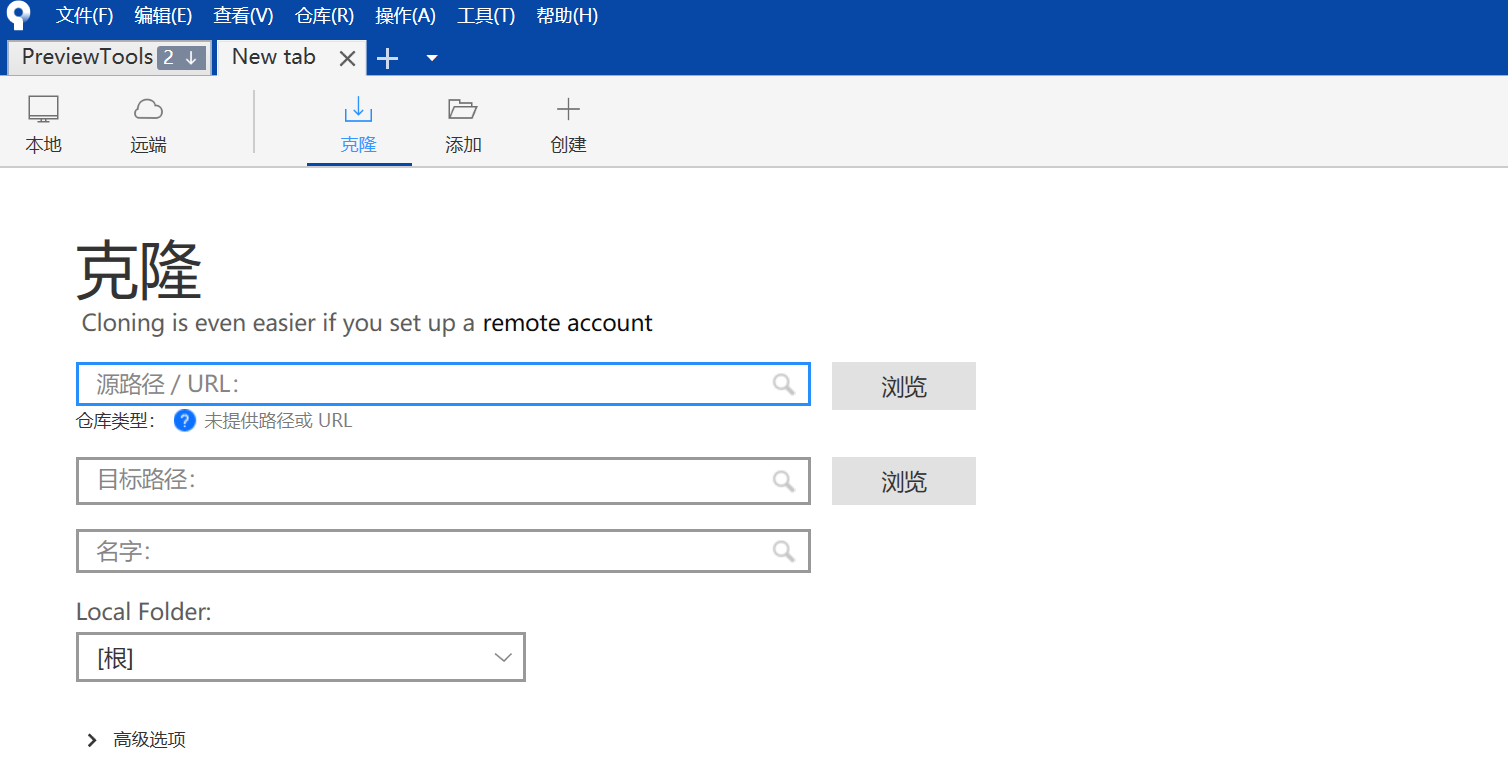
输入ssh链接,指定目录克隆即可。
五、指定需要版本控制的文件#
一般来说传这几个文件
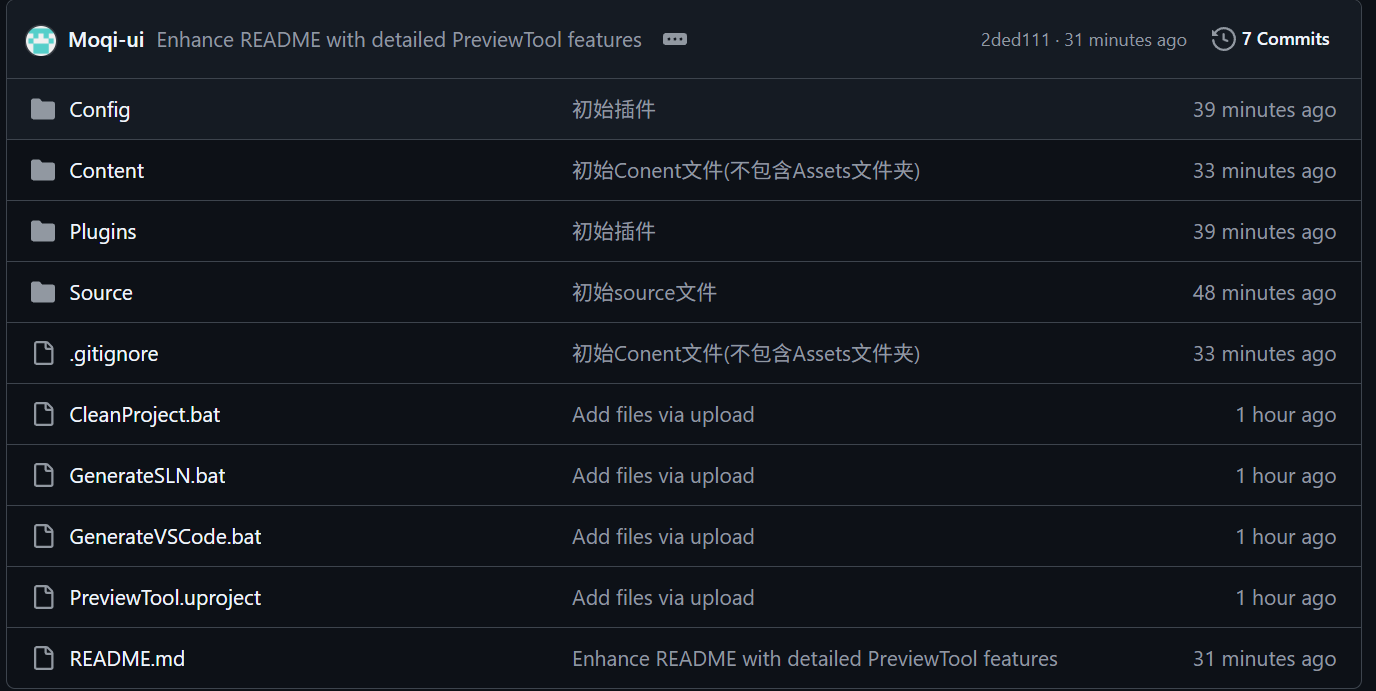
根据需要配置额外的 Ignore 文件,示例:
 1
 2
 3
 4
 5
 6
 7
 8
 9
10
11
12
13
14
15
16
17
18
19
|
Content/Assets/*
# 代表忽略Content/Assets/路径下的所有文件。

*.sln
# 代表忽略指定文件格式

# BinaryFiles
Binaries/*

# Plugins Files by imrcao
Plugins/**/Binaries/*
Plugins/**/Intermediate/*
Plugins/MeshOps/*
Plugins/RuntimeFBXImport/*

# Content Files  by imrcao
Content/Assets/*
Content/Collections/*
Content/Developers/*
|